VibeVoice logoVibeVoice logo
VibeVoice

VibeVoice
Stop Typing.
Start Speaking.

Replace your keyboard with voice typing.
3x faster speech-to-text input for emails, messages, documents, writing - everywhere you type.
Start Free
Free tier includes 30 minutes of transcription per month
VibeVoice logoVibeVoice logo
Select a topic to begin benchmarking
0.0s
VibeVoice logoVibeVoice logo

Speed Gain: Email Writing

Speed Gain:
Hi Sarah, Can you send me the latest sales numbers by end of day? Thanks, Mike

How Live Transcription Works

Try it Now

Step 2: Start recording

Press your configured shortcut to start recording. No per-app setup required—instant compatibility with every application you use.

Step 3: Speak & Paste

Speak naturally and your words are transcribed to the clipboard. Paste anywhere - emails, documents, chat apps, web forms - everywhere.

Step 4: Real-time Streaming

Experience the speed of voice. Results appear sub-second (under 1 second) while you speak, keeping you in your flow without the wait.

Flexible Access Options

Dual Mode Flexibility

Dual-Mode Flexibility

Live transcription with desktop hotkey AND upload pre-recorded files from any device. Switch between modes seamlessly with the same account and minutes.

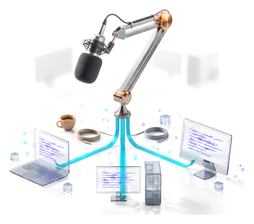
IDE Integration

System-Wide Integration

Works seamlessly in every application - browsers, Office, Slack, Discord, code editors, social media, and thousands more.

GPU Acceleration

Enterprise Security

Audio encrypted in transit, processed securely, and immediately deleted.

Desktop Client

Desktop Client

Global hotkey for any application. Available for Windows, macOS, and Linux with seamless integration into your workflow.

Command Line

Batch Processing

Upload audio files for bulk transcription with optional word-level timing (Pro/Ultra) and speaker identification (Ultra). Perfect for meeting notes, interviews, lectures, and content creation.

Web Interface

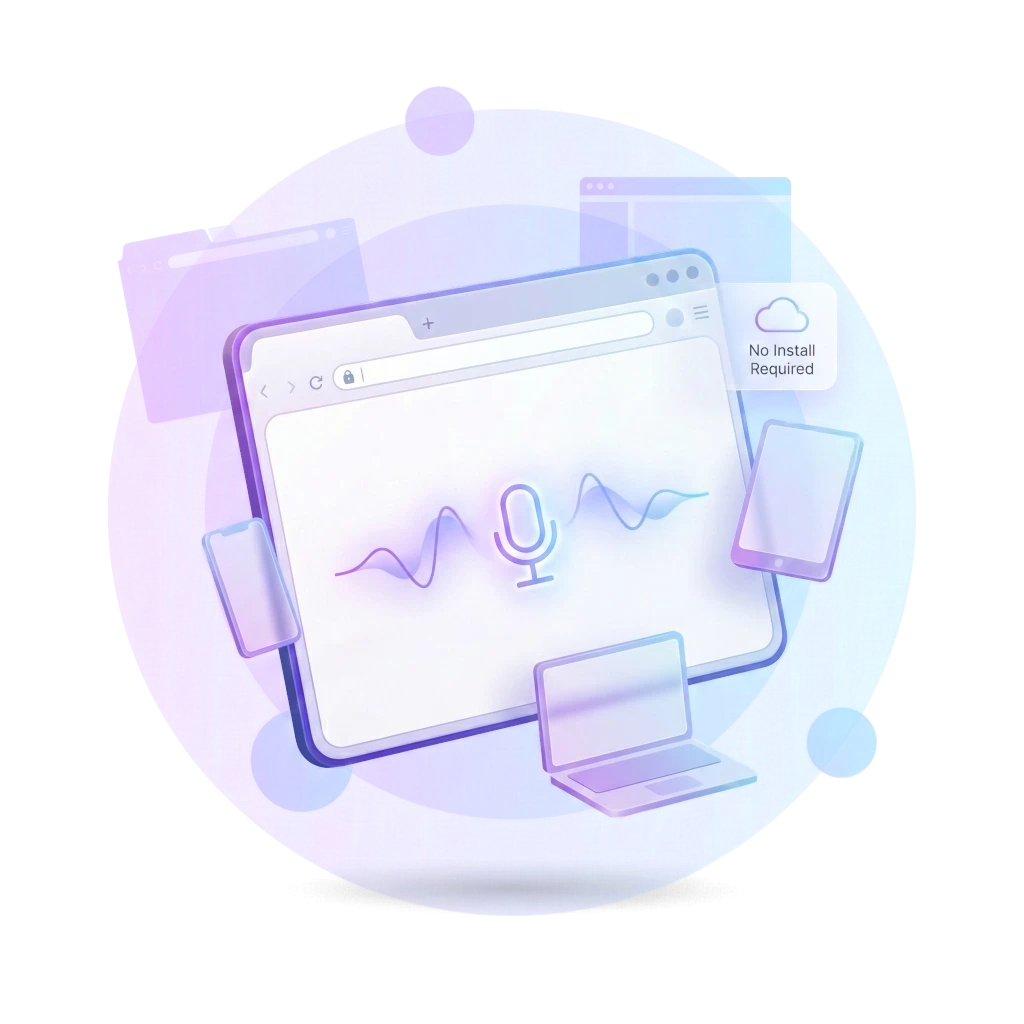
Web Interface

Speak or upload audio directly in your browser. No installation required - perfect for quick transcriptions from any device.

Trusted by Professionals Everywhere

Dr. James Chen
Dr. James Chen
Physician

"Charting used to spill late into the evening. Now I dictate cases as I walk from room to room—medications, dosages, exam findings—captured accurately. I end clinic on time and still send thorough summaries to referring physicians. It’s changed my days and my patients notice."

Mark Thompson
Mark Thompson
Legal Assistant

"After client calls I used to fight the clock to write everything down. With VibeVoice I speak through facts, clauses, and dates while scanning exhibits, and the transcript lands perfectly formatted. I’m faster, more precise, and I don’t miss details under pressure."

George Miller
George Miller
Retiree

"I never learned touch typing, so even a short letter took me ages and left me frustrated—until I discovered VibeVoice. Now I just speak like I'm talking to my grandkids and the words appear, clear and exactly how I mean them. I'm writing more than I have in years; it feels like I got my voice back."

Emma Williams
Emma Williams
Graduate Student

"I focus better by listening in lectures, but detailed notes are still required. With VibeVoice I just record the entire lecture on my laptop and get an immediate transcript. After class I can search, highlight, and pull quotes in seconds—way less stress and better results."

Rachel Green
Rachel Green
Content Creator

"I record podcast interviews on my phone, then upload them straight to VibeVoice's web interface while I'm still in the car. By the time I'm home, the transcript is ready. No downloads, no apps—just my phone and a browser. It's become my secret weapon for fast content turnaround."

Michelle Santos
Michelle Santos
Sales Director

"My pipeline lived in my head because logging notes took too long. Now I capture call summaries, next steps, and quote changes right after meetings—even from the parking lot. Follow-ups go out the same day and deals move faster without the busywork."

Transform your productivity today

Free

Perfect for getting started

  • 30 minutes per month
  • Web interface & file upload
  • Desktop & CLI support
  • Max 100MB files, 10 min duration

Pro

€3/mo - For regular transcription

  • 180 minutes per month
  • Max 1GB files, 60 min duration
  • All Free features
  • Word-level timestamps for precision editing
  • Priority support

Ultra

€10/mo - For heavy usage

  • 6000 minutes per month
  • Max 10GB files, unlimited duration
  • All Pro features
  • Speaker diarization (identify speakers automatically)
  • Premium support

Frequently Asked Questions

How does VibeVoice work technically?

VibeVoice installs a lightweight background client that runs silently on your operating system (Windows, macOS, Linux). Press your user-defined shortcut, speak naturally, and your words are instantly transcribed to your clipboard. Paste anywhere — emails, documents, chat apps, web forms. The client captures audio, sends it securely to our cloud AI, and receives transcription results sub-second (under 1 second). Works in every application - no setup required.

Can I use VibeVoice for transcribing meetings?

Absolutely! Record your meeting and upload the audio for instant transcription. Ultra plan includes speaker diarization, which automatically identifies and labels each speaker - making it easy to know who said what. Feed transcripts into any LLM (ChatGPT, Claude, etc.) for instant meeting summaries and action items.

Who developed VibeVoice and why?

VibeVoice was created by a software developer who developed a nerve illness in his left hand from excessive typing. While building VibeVoice, he realized how crucial this technology is for people with medical conditions, RSI, carpal tunnel, and anyone who wants to prevent typing-related injuries. VibeVoice isn't just about productivity - it's about health and accessibility.

How much faster is voice input than typing?

Voice input is 3x faster than typing. The average person types 40 words per minute but speaks at 150+ words per minute. With VibeVoice, you can input text at speaking speed across your entire computer. For a typical 8-hour workday, this saves 2-4 hours of time otherwise spent typing emails, documents, and messages.

Is VibeVoice healthier than typing?

Yes! VibeVoice eliminates repetitive strain on your wrists, fingers, and forearms. It prevents and helps recover from carpal tunnel syndrome, RSI, tendonitis, and other typing-related injuries. You can input text while standing, walking, or in ergonomic positions. Many users report reduced eye strain since you can look away from the screen while speaking.

How does VibeVoice compare to other voice input solutions?

VibeVoice stands out in three key ways: 1) Streaming Speed: Results appear sub-second (under 1 second) as you speak, unlike batch services that make you wait. 2) True Universality: It uses clipboard insertion to work in 100% of applications, unlike integrations that break. 3) Cross-Platform Parity: You get the exact same premium experience on Windows, macOS, and Linux.

Does VibeVoice work offline or require internet?

VibeVoice requires internet for transcription as it uses powerful cloud-based AI models that deliver superior accuracy compared to local processing. Your audio is processed securely and never stored on our servers. The lightweight client handles all local operations (hotkeys, audio capture, text insertion) while the cloud handles the heavy AI processing for best-in-class results.

What languages does VibeVoice support?

VibeVoice supports 50+ languages with automatic detection and seamless switching. You can speak multiple languages in the same session - say "Hello, comment ça va?" and both English and French will be transcribed perfectly. Supports technical terminology, medical vocabulary, legal language, and specialized jargon across different industries and languages.

What are speaker diarization and word-level timestamps?

Speaker diarization (Ultra plan) automatically identifies different speakers and labels them (Speaker 1, Speaker 2, etc.), perfect for meetings and interviews. Word-level timestamps (Pro/Ultra) provide precise start/end times for each word, ideal for video editing and captioning.

Join the voice input revolution

Get productivity tips, feature updates, and early access to new capabilities