
Dictation,
in your Android keyboard.
A full keyboard with VibeVoice built into it. Tap the mark or hold the space bar, say what you mean, and it lands as written text in whatever field you were already in. It is in a closed test on Google Play: two taps below get you in.
The punctuation writes itself
Full stops, commas and capitals come out of how you speak — the pauses, the falling and rising line of a sentence. You never say the word “comma”, and you never go back afterwards to put the breaks in.
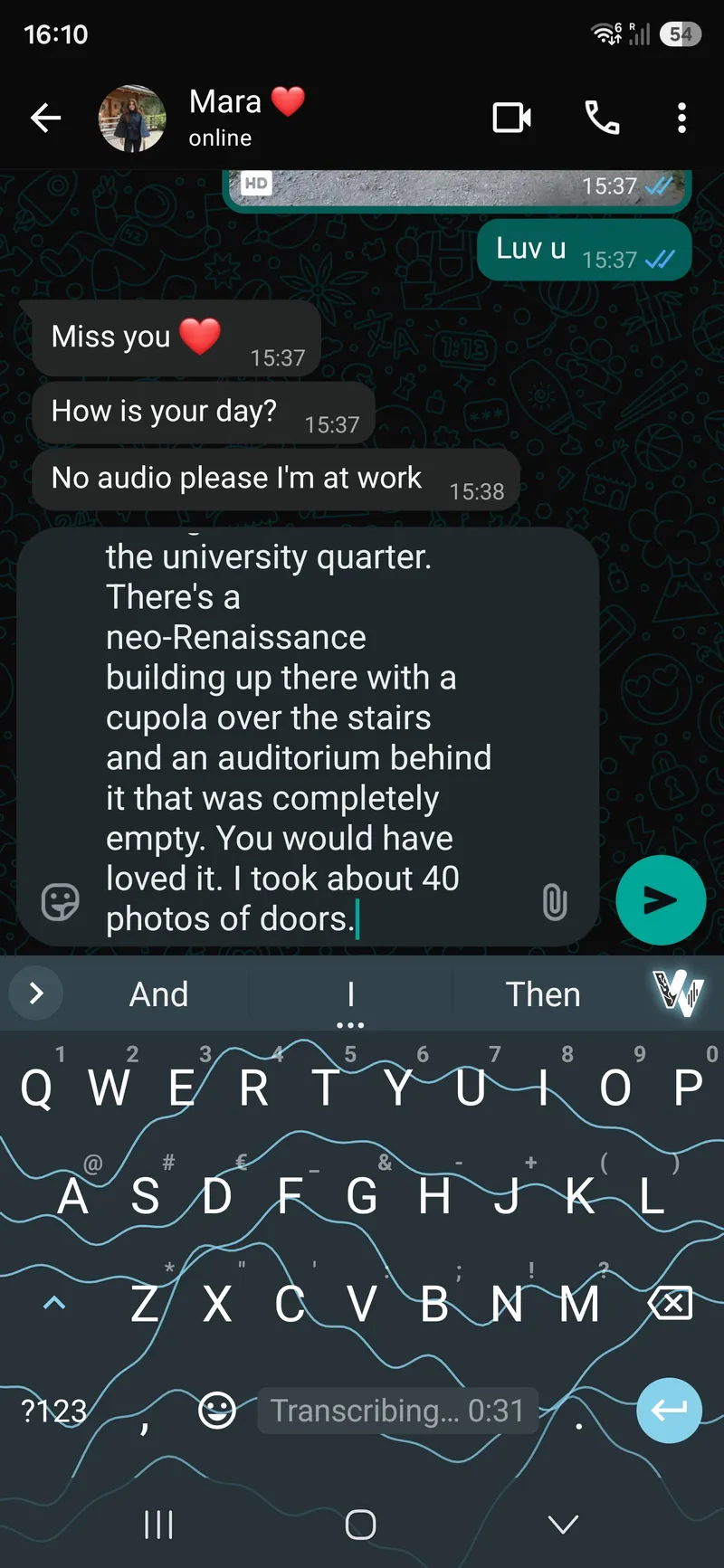
It keeps listening after you leave the app
Start a thought in one app and finish it in another. The keyboard can close and the dictation carries on, with a notification showing what has been heard so far and a stop button on it.
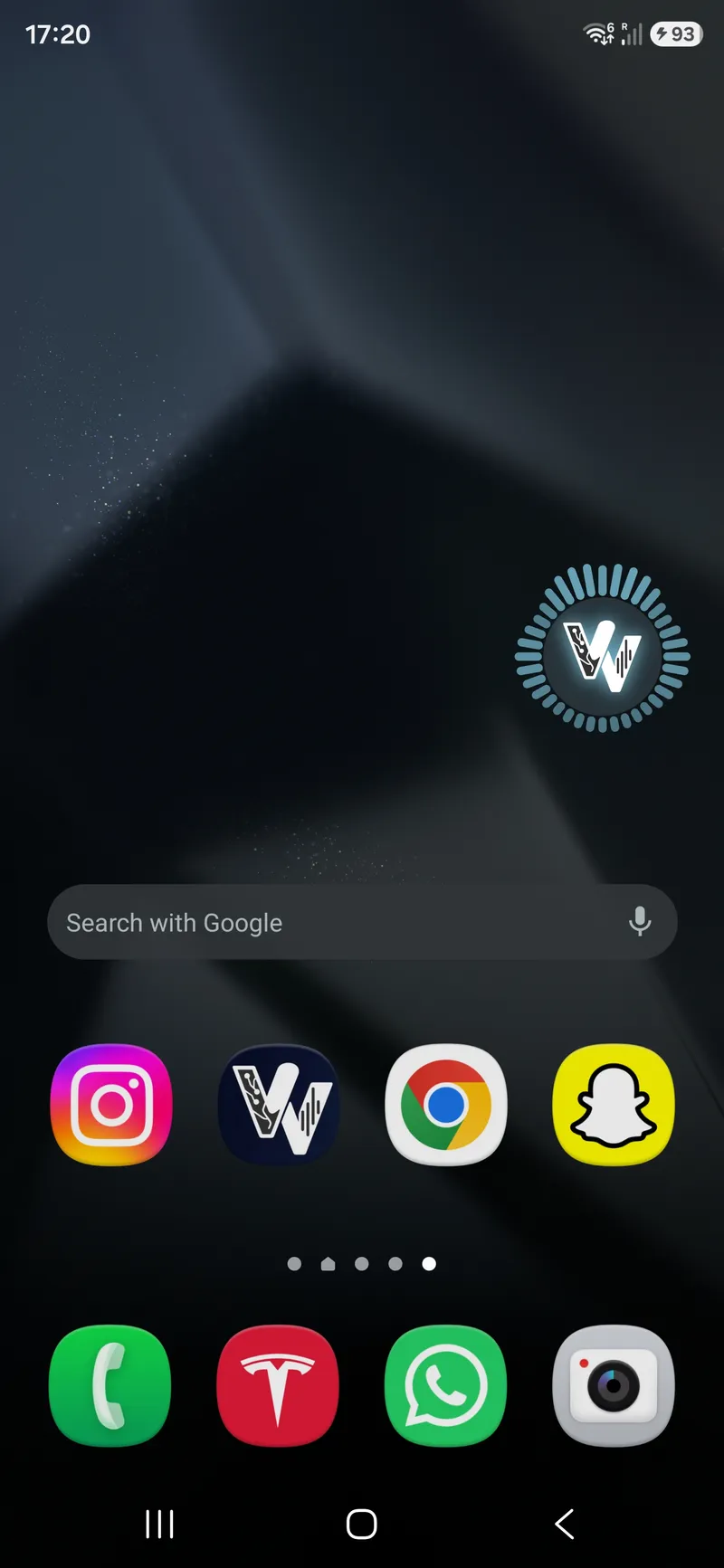
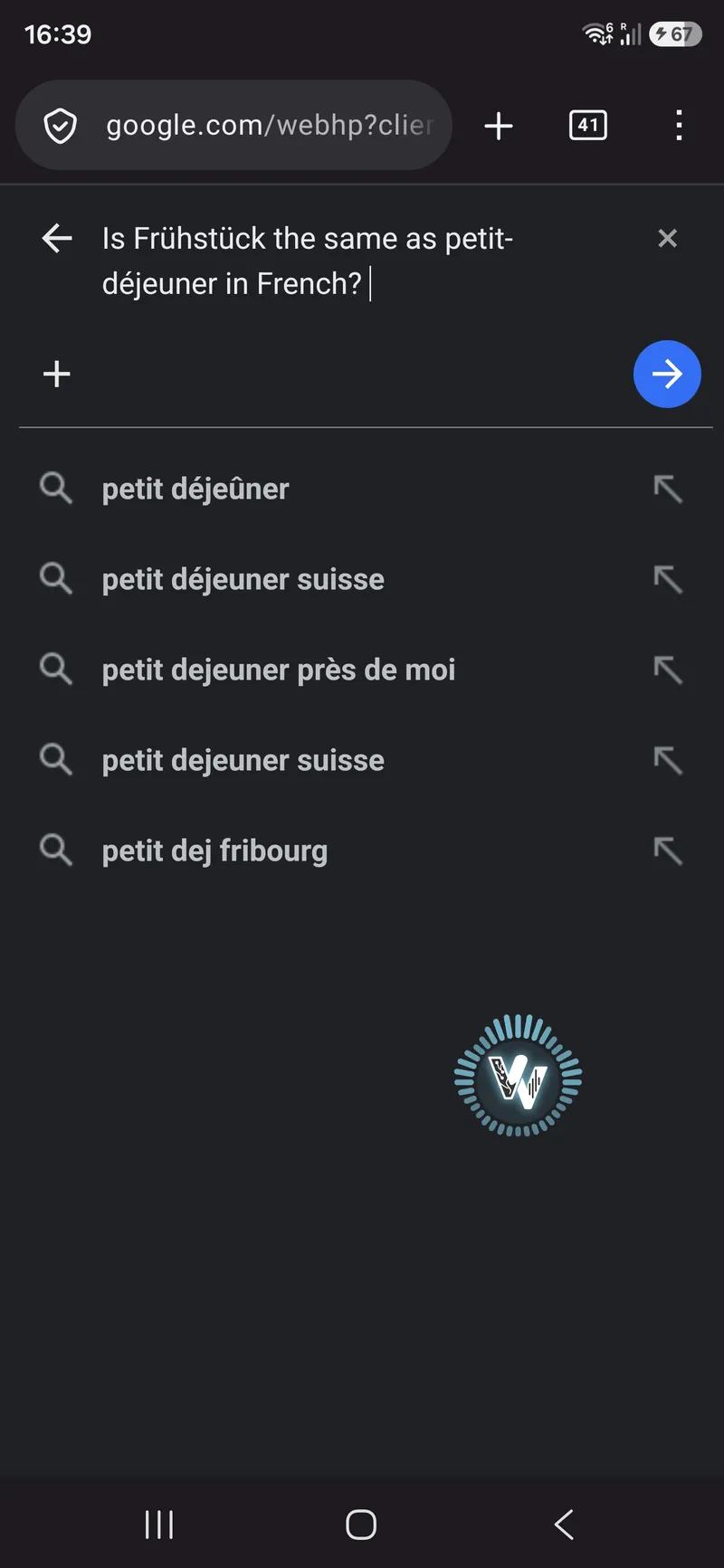
More than one language in a sentence
Over fifty languages, and you do not choose between them before you speak. A sentence that switches language halfway comes back with both halves intact.
We measure 9.31% word error rate across our published test sets — how that is measured.
Join the early test while there are places
Two weeks of closed testing on Google Play come first, and the number of places is limited. It takes two steps, and after them it installs and updates like any other app.
The group has no posts in it, by design — it is the list Google Play checks your account against, and joining it is all step one does.
Use the same Google account your phone uses on the Play Store. A different one makes Play report the app as unavailable, which does not look like an account problem when it happens.
Anything broken or irritating: [email protected]. Half sentences are fine.
A keyboard first
Typing, glide typing, suggestions, layouts and themes run on the device and never ask you to sign in — that half of the app never talks to us at all. It is a fork of the open-source HeliBoard, free software under the GPLv3, with no ads and no tracking.
Dictation is the part that needs us. The first 10 minutes need no account; after that it draws on the same monthly allowance as the desktop client and the browser — Free €0 for 30 minutes a month, Pro €3, Ultra €10.
All prices are final. No VAT is charged (small-business scheme, § 19 German VAT Act). The plans in full.
Common questions
Do I need an account?+
Not for typing, ever — that half works offline. For dictation the first 10 minutes need no account either; past that you link one, which is also what gives you the 30 free minutes a month.
Does it work offline?+
The keyboard does. Dictation does not: the audio is recognised on our servers, so it needs a connection.
What happens to what I say?+
The audio is deleted as soon as the transcript exists or the attempt fails, and neither it nor the text is ever used to train a model. The keyboard listens only while a dictation is running — there is no background listening and no wake word.
Why does it show a notification while I dictate?+
Because dictation carries on after the keyboard closes, and Android only lets a process keep the microphone in the background as a foreground service — which by design always shows a notification. It appears when a dictation starts and goes when it stops.
Where to go next
Last updated .